
Introduction
In 2026, preserving family history no longer requires expensive professionals. With the rise of AI technology, restoring vintage photos has become accessible to everyone. But with so many options on the market, which one is the best software to fix older photos? We've tested the top contenders to help you choose.
1. FotoRevive
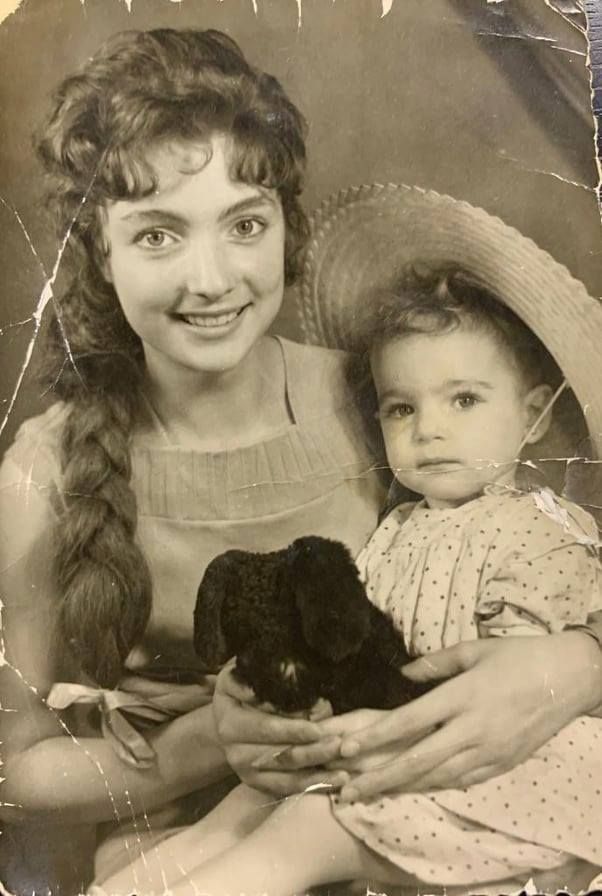
Unlike complex desktop software, FotoRevive is designed as a photo restoration program for your phone. It uses advanced AI to fix scratches, remove blur, and colorize B&W photos in seconds.


✅ Pros
- One-tap "AI Ease" restoration
- Runs locally on iPhone (High Privacy)
- Free trial available
❌ Cons
- Mobile-focused (not for desktop)
2. Photoshop
Verdict: Powerful but steep learning curve.
Adobe remains the industry standard. Its "Neural Filters" offer AI photo restoration, but it requires a monthly subscription and significant editing skills. For casual users looking for the best software to fix older photos, it may be overkill.
3. Remini
Verdict: Popular for selfies but expensive.
Great at sharpening faces, but often criticized for aggressive upselling and "fake" looking results on non-facial details. The free version is very limited.
4. MyHeritage
Verdict: Good for animating photos.
Known for its "Deep Nostalgia" feature. Excellent for genealogy enthusiasts but requires a generic account setup. Photo restoration quality is decent but not industry-leading.
5. VanceAI
Verdict: Good for desktop users.
A solid online tool, but for users who prefer an app experience to keep photos on their device, it might be less convenient. Requires uploading photos to their server.
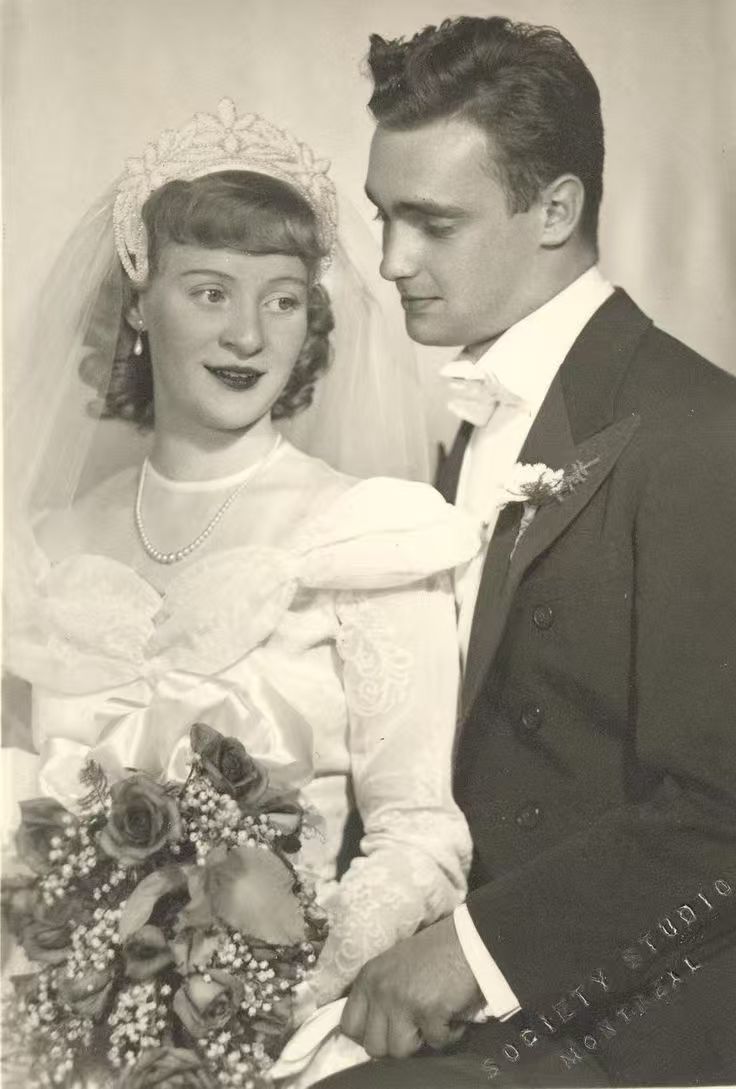
Bonus: AI Colorization Comparison

Ready to Restore Your Photos?
If you want professional results without the learning curve, an AI app is your best bet in 2026.
Download FotoRevive Free