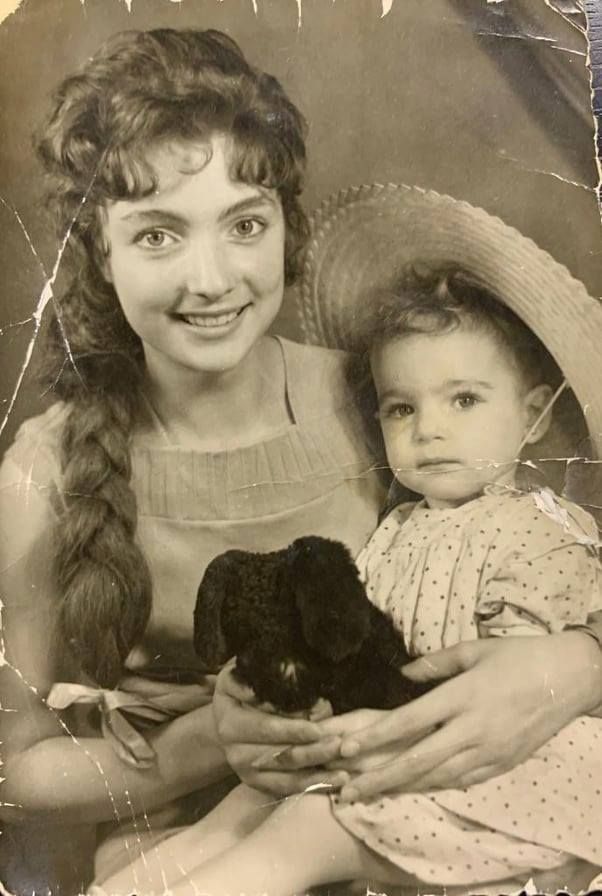
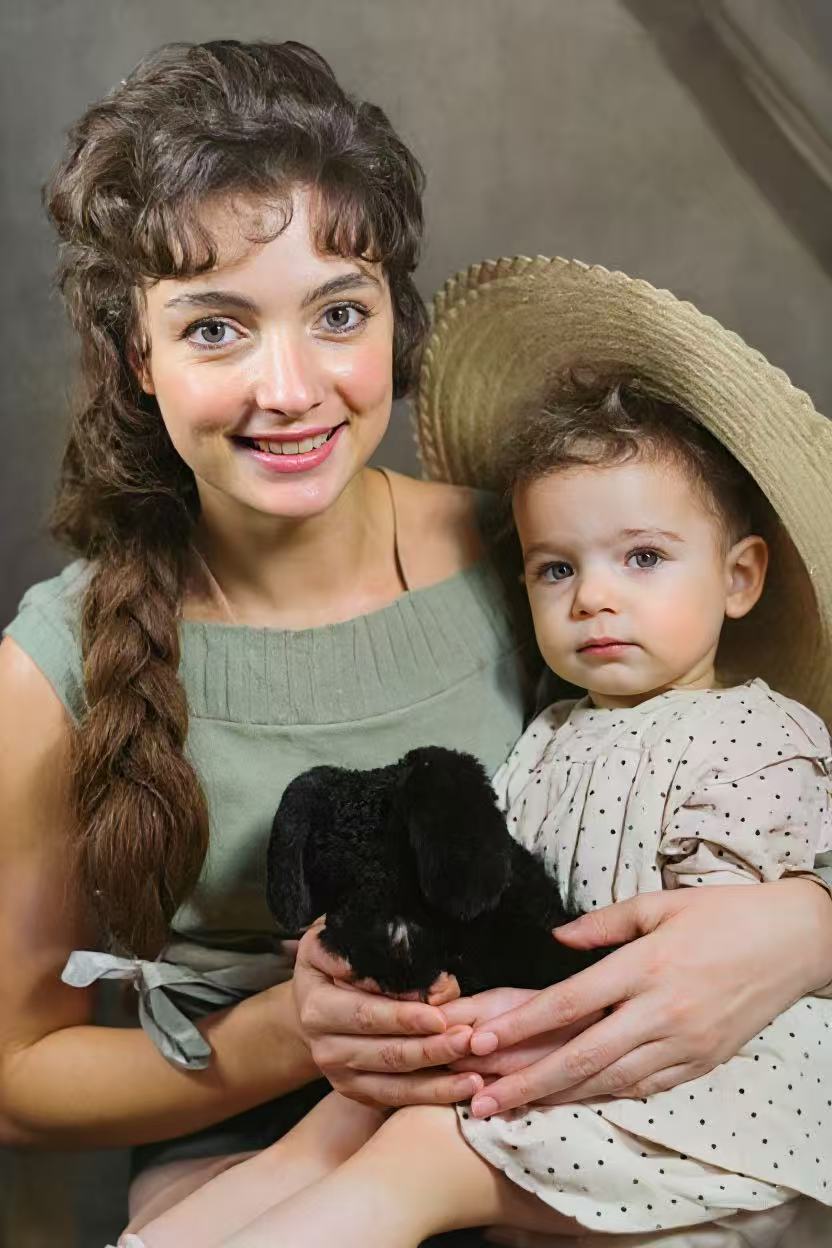
Introduction: Restoring Memories Shouldn't Cost a Fortune
You found a box of old family photos in the attic. Some are scratched, some are faded, some have turned yellow. You want to fix older photos and preserve them digitally — but professional restoration services charge $25-$100 per photo, and Photoshop costs $275 per year.
Is there a best software free to fix older photos? The answer is yes — if you know where to look. We tested dozens of options and narrowed it down to the five best free (or free-to-try) tools available in 2026.
What "Free" Means in This Guide
We include tools that are either completely free (open-source), or offer a meaningful free trial that lets you restore photos before paying. No "free download, pay to export" scams.
FotoRevive Free to Try
FotoRevive is an AI-powered iOS app that lets you fix older photos with a single tap. It's not 100% free forever, but its free trial gives you full access to see the restoration quality before you commit — no credit card required.
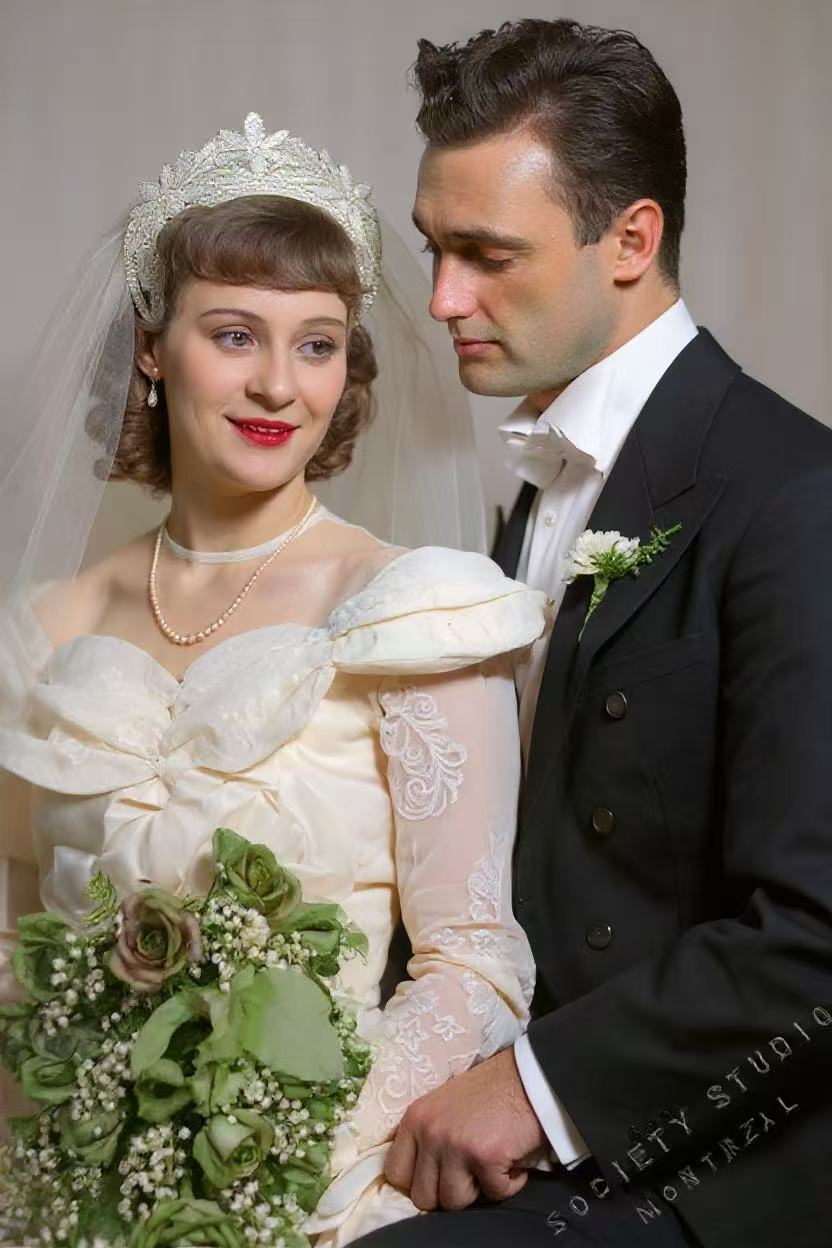
Why it's at the top of this list: while other "free" tools require hours of manual work for mediocre results, FotoRevive delivers professional-grade restoration in 10 seconds. It removes scratches, enhances faces, sharpens details, and even colorizes black-and-white photos — all automatically.

✅ Pros
- Professional AI restoration quality
- One-tap — no editing skills needed
- On-device processing (photos stay private)
- Free to try before subscribing
- Colorization, animation, and enhancement included
❌ Cons
- iOS only (no Android or PC version)
- Full features require subscription after trial
GIMP 100% Free
GIMP (GNU Image Manipulation Program) is the gold standard of free photo restoration software. It's completely free, open-source, and runs on Windows, macOS, and Linux. It has tools comparable to Photoshop: clone stamp, healing tool, curves, layers, and more.
The catch? There's no AI. Every scratch you remove, every color you adjust, every face you sharpen — you do it manually, pixel by pixel. If you have patience and time, GIMP is genuinely powerful. But for most people, it's like being given a free Ferrari with no engine — beautiful, but you're pushing it uphill.
✅ Pros
- Completely free forever — no trial, no subscription
- Professional-level editing tools
- Huge community with tutorials
- Available on all desktop platforms
❌ Cons
- No AI — everything is manual
- Steep learning curve (weeks to become proficient)
- One photo can take 30-60 minutes
- Dated user interface
Web-Based AI Tools (VanceAI, Fotor, etc.) Partly Free
Several websites offer free AI restoration: upload your photo, wait a few seconds, and download the result. Popular options include VanceAI, Fotor, and Hotpot.ai. They're convenient — no installation needed.
⚠️ Privacy Warning
When you upload family photos to these websites, they're processed on remote servers. You have no control over how long they're stored or who has access. For sensitive family photos, this is a real risk. Read the fine print carefully.
✅ Pros
- No installation — works in any browser
- AI-powered restoration
- Free for 1-3 photos (most services)
❌ Cons
- Privacy risk — photos uploaded to cloud
- Free tier is very limited (low resolution, watermarks)
- Quality varies wildly between services
- No colorization or animation in free tiers
Snapseed (by Google) 100% Free
Google's Snapseed is a surprisingly capable free photo editor for iOS and Android. Its "Healing" tool can remove small scratches, and its "Tune Image" controls let you fix brightness, contrast, and color. It's no AI restoration tool, but for mildly damaged photos, it does a decent job.
✅ Pros
- Completely free, no ads, no watermarks
- Good for minor fixes and enhancement
- Available on iOS and Android
- Intuitive interface
❌ Cons
- No AI restoration for severe damage
- Can't fix heavy scratches, tears, or missing areas
- No colorization feature
- Manual editing only
Paint.NET 100% Free
Paint.NET is a lightweight, free image editor for Windows. It's simpler than GIMP but more capable than Microsoft Paint. For basic free photo restoration tasks like fixing scratches with the clone stamp tool and adjusting colors, it gets the job done without the complexity of heavier software.
✅ Pros
- Free and lightweight
- Simple, clean interface
- Layer support and basic healing tools
- Active plugin community
❌ Cons
- Windows only
- No AI features
- Limited compared to GIMP
- Manual work required
Tutorial: How to Fix Older Photos for Free with AI
Here's a step-by-step guide using FotoRevive's free trial — the fastest way to fix older photos without spending money upfront:
Download FotoRevive (Free)
Download from the App Store. No account creation, no credit card — just open the app and start.
Scan or Import Your Old Photo
Use your iPhone camera to take a picture of the physical photo, or import an existing scan from your photo library. The app handles both.
Tap "Restore" — Let AI Do the Work
One tap triggers the AI engine. In about 10 seconds, it removes scratches, enhances faces, fixes fading, and sharpens the entire image — all automatically and all on your device.
Optional: Colorize and Animate
If the photo is black and white, tap "Colorize" for natural AI coloring. Want to make grandma smile? "Animate" brings faces to life with subtle movement.
Save and Share
Download the HD result to your camera roll. Share it with family, print it, or frame it. Your restored memory is yours.
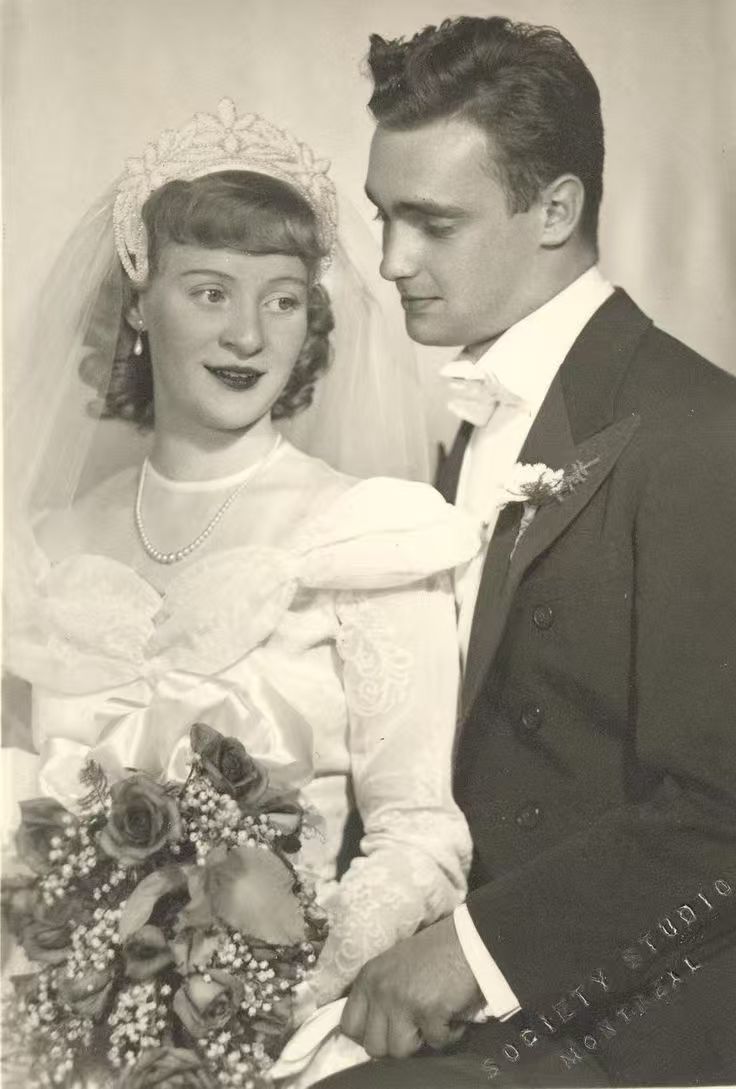
Is "Free" Always Good Enough?
Let's be honest about the trade-offs:
- Completely free tools (GIMP, Paint.NET, Snapseed) require significant time and manual skill. They're great if you enjoy editing, but frustrating if you just want results.
- Free web tools sacrifice your privacy and limit quality. You often get watermarked, low-resolution downloads unless you pay.
- Free trial AI apps (like FotoRevive) give you the best quality for free — but have usage limits before you need to subscribe.
Our Recommendation
Start with FotoRevive's free trial to see the AI magic on your most important photos. If you have hundreds of photos, the subscription pays for itself compared to the hours you'd spend in GIMP. Time is money — and your family memories are priceless.
Frequently Asked Questions
Can I really fix older photos for free?
Yes! Tools like GIMP are completely free, and AI apps like FotoRevive offer free trials that let you restore photos without paying upfront. The quality varies — free tools require more manual work, while AI apps with free trials give professional results instantly.
What is the best software free to fix older photos?
For the best balance of quality and price, FotoRevive's free trial is the top choice — it uses AI to automatically fix scratches, enhance faces, and colorize photos. For completely free (but manual) editing, GIMP is the best open-source option.
Is it safe to upload old photos to free online tools?
Many free web-based tools upload your photos to cloud servers, which raises privacy concerns. For sensitive family photos, choose tools that process locally on your device, like FotoRevive (on-device AI) or GIMP (desktop software).
Related reading: 5 Best Photo Restoration Apps in 2026 | Why AI Apps Are Better Than Desktop Software | App vs. Professional Restoration Service
Fix Your Old Photos — Free
Download FotoRevive and see the AI magic for yourself. No credit card, no commitment.
Download on the App Store